Tap to connect

NFC Digital Business Cards

Combine a professionally printed physical card with a short-range NFC tap that can open a customer-supplied web destination on a compatible smartphone. The customer owns and maintains the destination; PlasticCard.nz supplies the printed card and any supported encoding agreed in the quote.

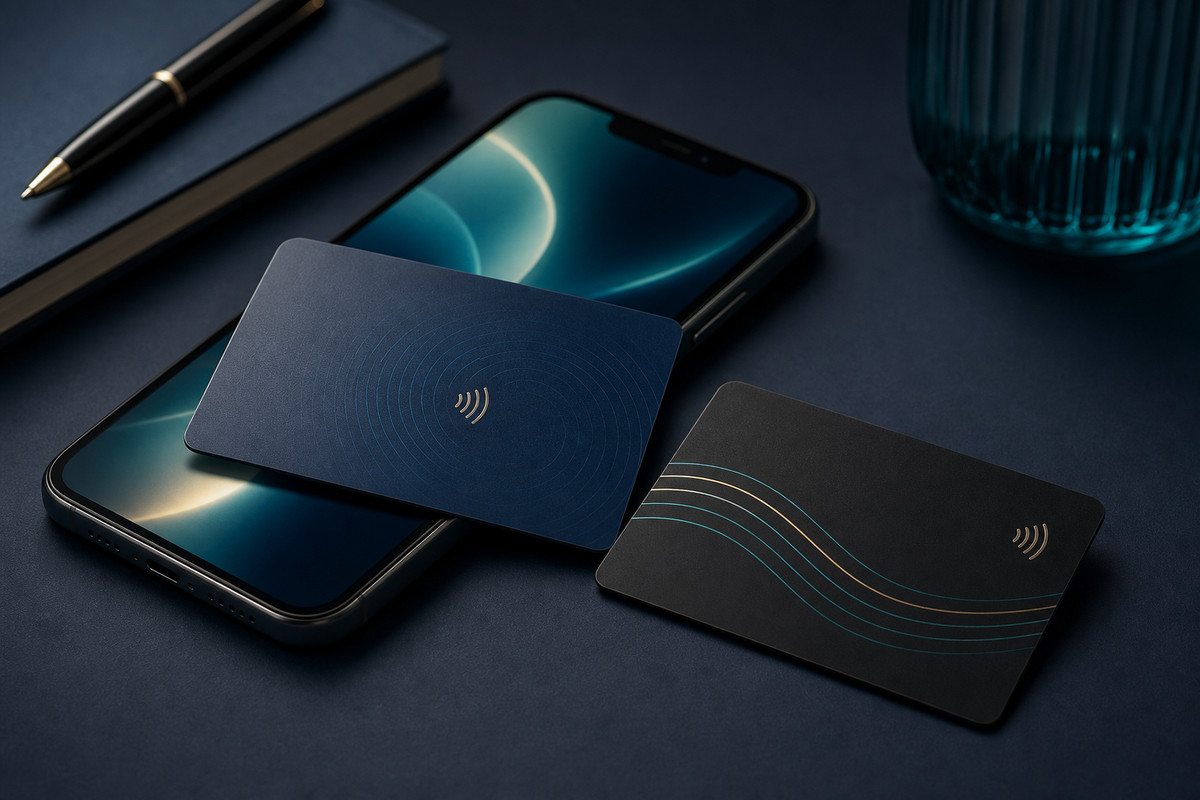
Premium NFC digital business card tap interaction mockup
A clear digital destination supplied and maintained by your organisation.Printed identity and contact details that remain useful without the tap.A confirmed card specification and representative finished-card testing.

Availability, materials, finishes and technical options are confirmed for each quotation. Examples are planning guidance, not guaranteed specifications.

Product

Tap-friendly branded cards that can open a profile, website, review link or contact experience on compatible smartphones.

  • Decide what the tap should open before the card is designed.
  • Give the recipient a clear printed reason to tap.
  • Plan different names, roles, URLs or QR codes from organised records.
  • Confirm the card, encoding and testing method before production.

Planning points

What this page helps you decide.

These are the practical details that usually shape the quote and the finished card specification.

Decide what the tap should open before the card is designed.

Give the recipient a clear printed reason to tap.

Plan different names, roles, URLs or QR codes from organised records.

Confirm the card, encoding and testing method before production.

Start with the destination and the action it supports.

The tap might open a profile, website, portfolio, booking page, review page or contact page. Use one clear action that suits the business purpose rather than sending the recipient to an unrelated or temporary destination.

The customer remains responsible for the destination, domain, content, privacy, analytics and ongoing availability. Decide before encoding whether a stable managed page or redirect is needed to reduce unnecessary reprints when content changes.

  • Confirm the exact URL or supported action before artwork approval.
  • Name the person or provider responsible for hosting and later changes.
  • Test the destination independently before it is encoded into the cards.

Make the physical card useful and test the tap before rollout.

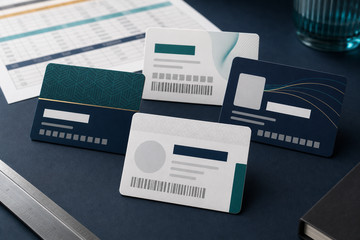
Show the person, organisation and essential contact information clearly on the printed card. A concise tap instruction and a tested QR code can provide useful guidance or a visible fallback where the artwork and destination are suitable.

Phone behaviour varies by compatible device, operating system, settings, case and programmed action. Confirm the physical card, chip, destination and encoding method, then test representative finished cards before relying on them in a wider rollout.

Options to scope

Useful ways to configure the project.

Profile or team page

Open a page that introduces the person, role, contact options and organisation.

Website or portfolio

Send the recipient to a relevant service, portfolio, product, event or campaign page.

Booking or enquiry page

Make a defined booking, call or enquiry action easier to reach.

Review or feedback page

Open a customer-controlled review or feedback destination where that action suits the interaction.

Good fit

Where nfc digital business cards are most useful.

  • Sales teams
  • Showrooms
  • Events
  • Review prompts

Helpful answers

Frequently asked questions

What can an NFC business card open?

A supported NFC action can open a customer-supplied web address such as a profile, website, portfolio, booking page, review page or contact page.

Does PlasticCard.nz host the digital profile or website?

No. The customer or its chosen provider owns and maintains the destination, content, domain, privacy settings and availability.

Will every smartphone read the NFC card in the same way?

No universal behaviour should be assumed. NFC support varies by compatible device, operating system, settings, phone case and programmed action.
Best used for

Situations where this product or service is usually a strong fit.

  • Sales teams
  • Showrooms
  • Events
  • Review prompts

Specification questions

Useful details to have ready when the project becomes real.

  • The exact destination or supported action each card should open.
  • The printed names, roles, contact details and visible tap instruction.
  • The required card format, finish, artwork status and any QR fallback.
  • Whether cards share one destination or use different URLs and records.
  • The first quantity, representative testing plan and likely later team orders.

Next step

When you are ready, we can help shape the exact specification.

Send the rough use case, quantity, artwork status and any system or data requirements.

Contact the team

Ready to scope nfc digital business cards?

Send the rough brief and we will help turn it into a practical card specification.

Call 0800 463 683 or send the quantity, artwork status, data requirements and delivery destination.