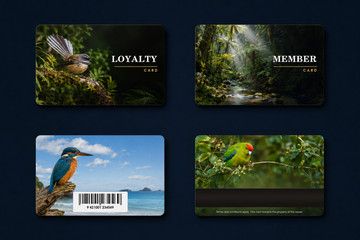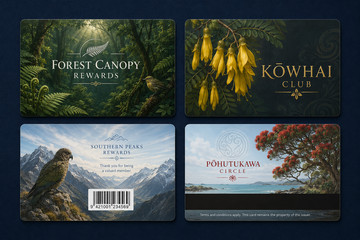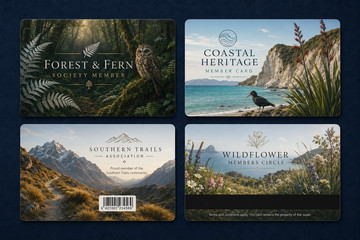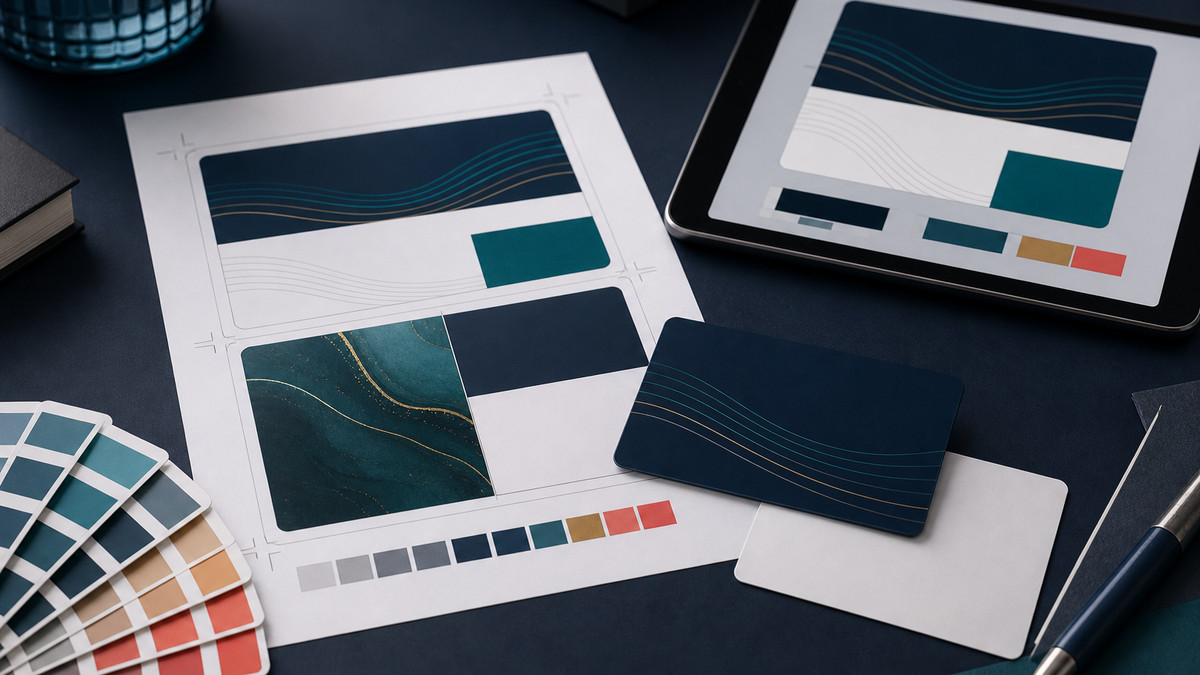
Confirm the finished card before finalising the layout.
Start with the final size, orientation, printed sides, material and finish. Extend backgrounds through the supplied bleed and keep important text, logos and photographs inside the indicated safe area.
Allow for rounded corners, custom outlines, magnetic stripes, chips, signature areas, embossing, holes, slots and attachment points shown on the template. The template and production instructions for the quoted card always take priority.
Leave enough room for changing details and machine-readable features.
Test the layout with realistic records, including the longest names, numbers and dates. Use authorised photographs and agree how they will be cropped, positioned and matched to the correct record.
Keep barcodes and QR codes large enough, high-contrast and clear of nearby artwork. Test them at the intended printed size, and keep artwork clear of magnetic stripes, chips, signature panels and other functional areas.
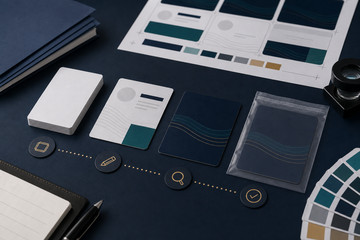
Supply complete files and approve the artwork at card size.
Follow the supplied file instructions for fonts or outlined text, package or embed authorised high-quality logos and images, and clearly name any white support, metallic, embossing, foil, cut or other specialist production layer.
Check spelling, contact details, alignment, versions and changing-data rules at actual card size before final approval. Routine file checking confirms whether supplied artwork is ready; new layouts, substantial changes and extra versions are quoted through Plastic Card Design and Artwork Services.