Control and verification

Security Features for Plastic Cards

A plastic card can make a person, membership, entitlement or account easier to recognise and check. Choose features around what authorised staff need to see, what an existing system needs to read and what should happen when the card is presented—not around a generic list of “security” options.

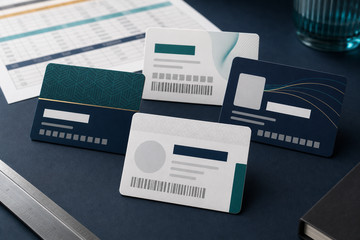
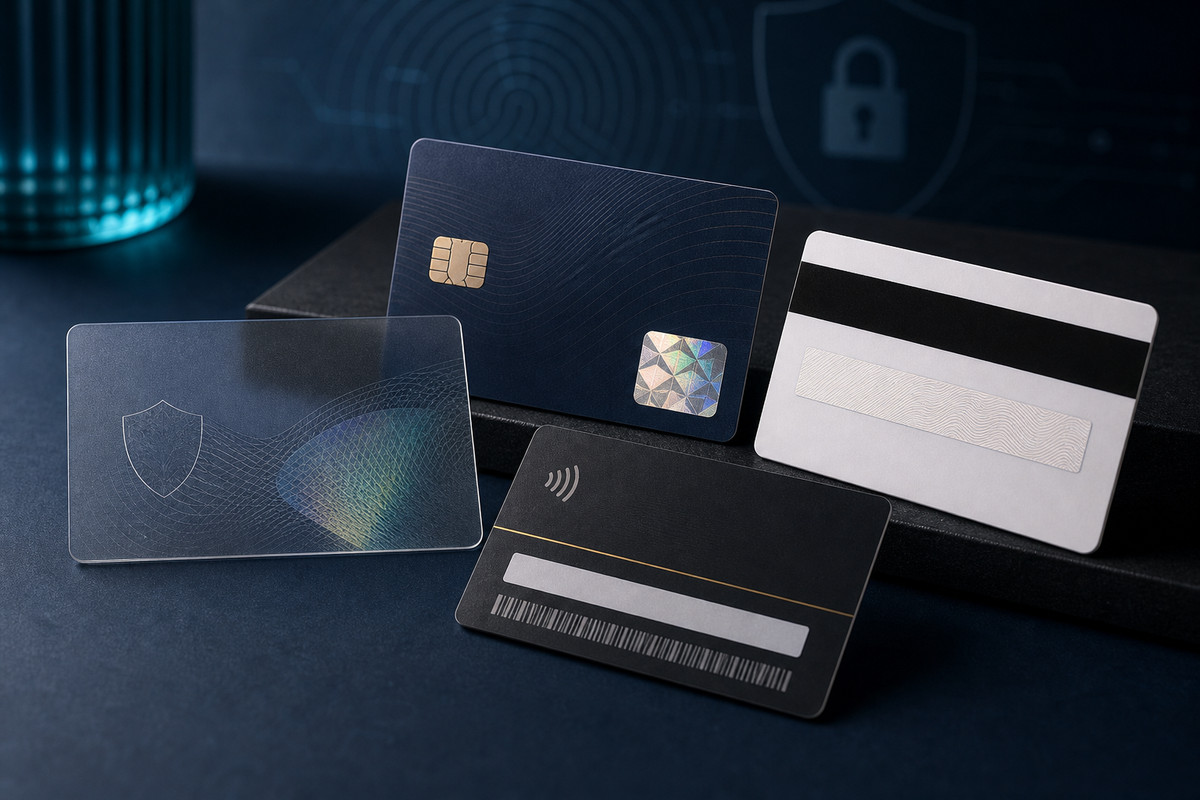
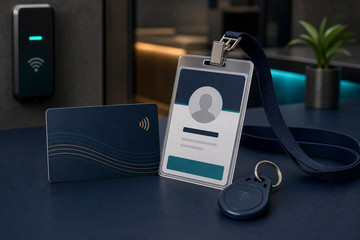
Security feature plastic card sample mockup
Visible details planned around the human check staff need to make.Codes, stripes or chips matched to the receiving system specification.Issued-card, replacement and permission processes kept with the organisation.

Availability, materials, finishes and technical options are confirmed for each quotation. Examples are planning guidance, not guaranteed specifications.

Production support

A guide to practical card features that help identify, verify, track or control how plastic cards are used.

  • Define what needs to be recognised, checked or controlled.
  • Choose only the visible details that support that decision.
  • Match every machine-readable feature to the existing system.
  • Plan issue, expiry, replacement and later-card control.

Planning points

What this page helps you decide.

These are the practical details that usually shape the quote and the finished card specification.

Define what needs to be recognised, checked or controlled.

Choose only the visible details that support that decision.

Match every machine-readable feature to the existing system.

Plan issue, expiry, replacement and later-card control.

Start with the check the card must support.

Visible information is often the fastest layer of recognition. Names, photographs, roles, organisations, categories, numbers and expiry dates should be included only when authorised staff or a defined process will use them.

A machine-readable identifier can support record lookup, check-in or access, but it is useful only when the reader, software and operating process recognise the supplied data.

  • Identify the person, membership, visitor type or issued-card group.
  • Define what staff need to see or compare when the card is presented.
  • Confirm what an existing scanner, reader, lock or platform accepts.

Card features support a wider process; they do not replace it.

PlasticCard.nz supplies the physical printed cards and any supported personalisation or encoding included in the quote.

The organisation and its system provider remain responsible for identity checks, enrolment, permissions, readers, locks, software, databases, authentication rules, testing and ongoing operation. No printed or encoded feature guarantees security by itself.

Options to scope

Useful ways to configure the project.

Visible identification

Use a name, photograph, role, organisation, category or expiry date where people need to check the card.

Unique numbering and data

Give staff or the connected process a controlled reference tied to authorised records.

Barcode or magnetic stripe

Use the exact code, stripe, data, encoding and testing requirement accepted by the existing system.

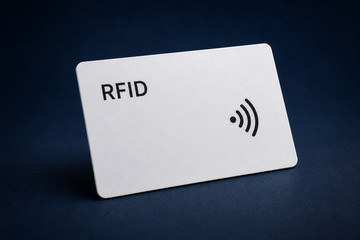
RFID or NFC

Use only the chip, frequency and encoding specification confirmed for the existing reader and software.

Good fit

Where security features for plastic cards are most useful.

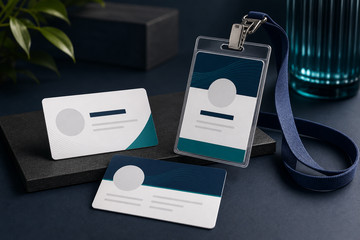
  • Staff ID
  • Access cards
  • Membership control
  • Gift card tracking

Helpful answers

Frequently asked questions

Does adding more features automatically make a card more secure?

No. Features should support a defined check or system process. Security also depends on identity procedures, permissions, readers, software, records and staff practice.

Can a barcode, magnetic stripe, RFID or NFC feature be added without system information?

It should not be assumed. The receiving provider must confirm the accepted code, stripe, chip, frequency, data, encoding and testing requirements.

Does PlasticCard.nz install or manage security systems?

No. PlasticCard.nz supplies physical cards and supported production work included in the quote. Readers, locks, software, permissions, databases and ongoing support remain with the organisation and its provider.
Best used for

Situations where this product or service is usually a strong fit.

  • Staff ID
  • Access cards
  • Membership control
  • Gift card tracking

Specification questions

Useful details to have ready when the project becomes real.

  • The staff, visitor, member, customer or other cardholder group.
  • The human check or system action the card must support.
  • The existing reader, software, lock, scanner or programme involved.
  • The visible details, changing data and provider specification already known.
  • The initial quantity, different groups, replacements and later-order process.

Next step

When you are ready, we can help shape the exact specification.

Send the rough use case, quantity, artwork status and any system or data requirements.

Contact the team

Ready to scope security features for plastic cards?

Send the rough brief and we will help turn it into a practical card specification.

Call 0800 463 683 or send the quantity, artwork status, data requirements and delivery destination.