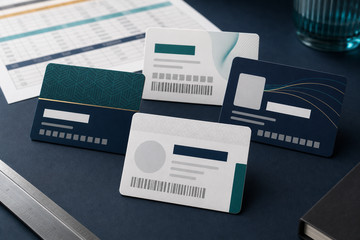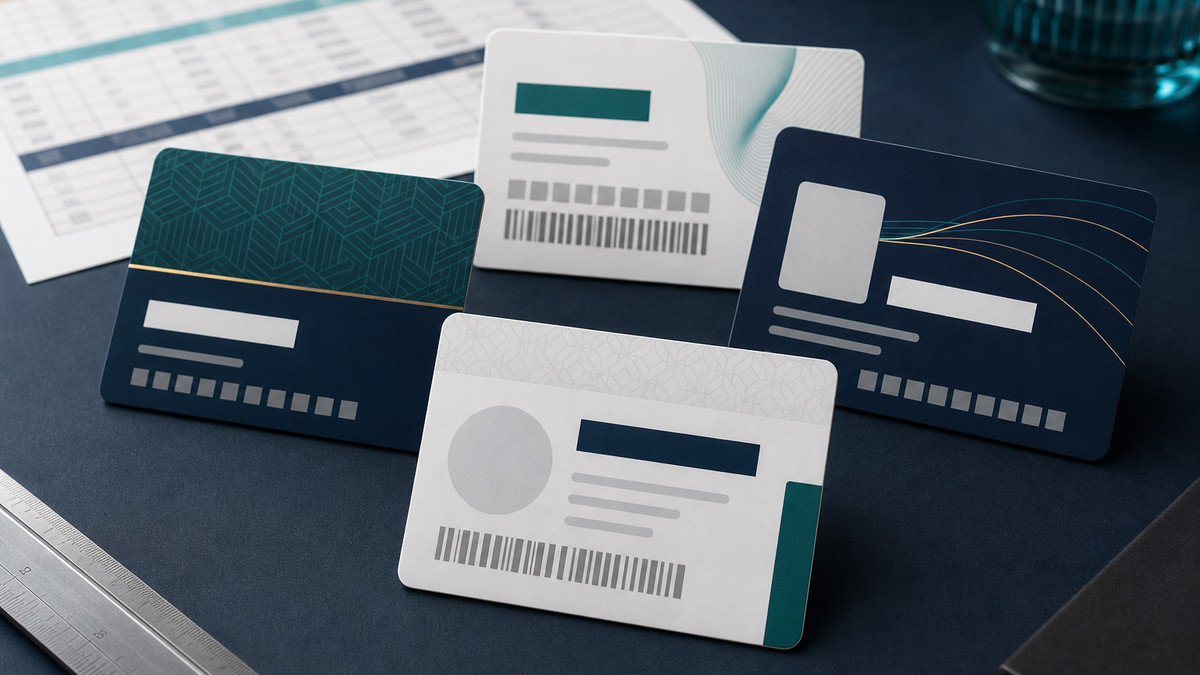
Choose the identifier the card process can actually use.
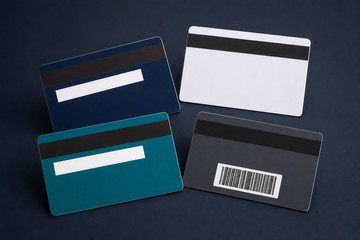
Use a visible number when staff need to read or type an identifier, a barcode or QR code when an accepted scanner or phone action is required, and a magnetic stripe only when an existing swipe-card system specifies it.
The simplest reliable option is usually the best. The receiving software, reader or system provider should confirm the accepted code type, stripe requirement, data format and any testing process before artwork is approved.
Keep visible, scannable and encoded data consistent.
If one member or customer number appears as printed text, inside a barcode and in an encoded stripe, generate every version from the same approved source record rather than retyping it between files.
Define the field names, character rules, leading zeros, number sequence, duplicates, missing records and the person responsible for approving the final production data.
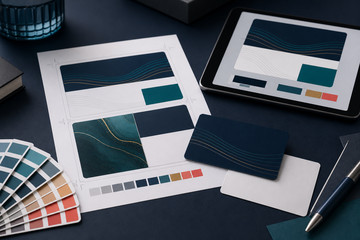
Plan space, contrast and testing before artwork approval.
Keep barcodes and QR codes high-contrast, clear of nearby artwork and large enough to test at the intended printed size on the quoted material and finish.
Place a magnetic stripe to the system-confirmed specification and keep important artwork clear of it. Approve the visible proof, then follow any sample-card or encoded-data testing required by the receiving provider.