
Individual names and details
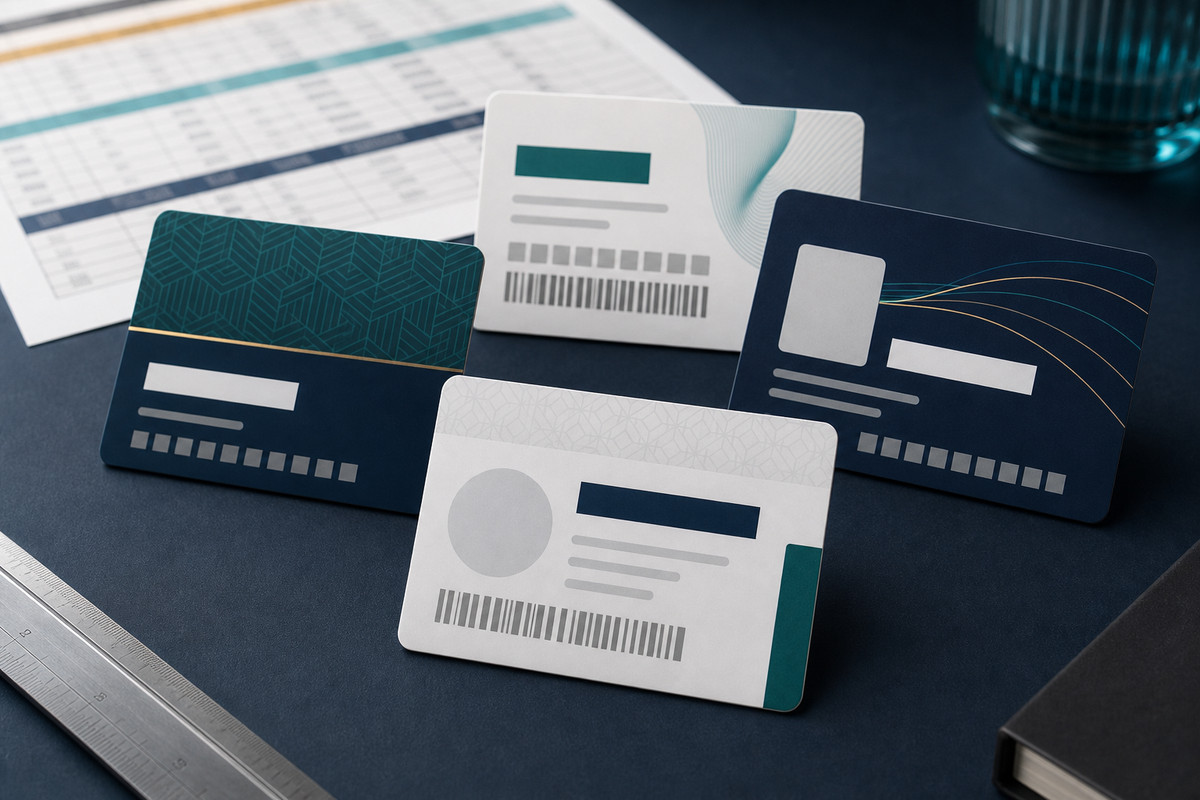
Print a different name, role, member number, status or expiry date on each card where required.
VARIABLE DATA CARD PRINTING
PlasticCard.nz supplies variable data printing for personalised plastic card runs throughout New Zealand.
Add member names, ID numbers, expiry dates, photographs, barcodes, QR codes or other changing details from an organised source file. Tell us what changes from card to card, and we’ll help plan the artwork and personalisation before preparing a quote.
Trusted by New Zealand businesses for 25 years
Plastic card specialists
Material and production advice for the actual job.
Finishes and data
Print, personalisation and functional zones planned together.
Technical credentials
RFID, NFC and magnetic stripe scoped to system specifications.
New Zealand support
Experienced advice and delivery New Zealand wide.
PERSONALISED CARD RUNS
Variable data printing gives each card its own useful details while keeping the underlying artwork and brand presentation consistent across the run.
Planning with realistic examples helps long names, dates, numbers, photographs and codes fit the card clearly. A well-organised source file helps keep every personalised card matched to the right details.
Print a different name, role, member number, status or expiry date on each card where required.
Match supplied photographs or other record-specific artwork to the correct card details.
Add supplied or generated codes where the required format, data and intended scanning setup have been confirmed.
Keep colours, logos and fixed information consistent while selected fields change from card to card.
WHERE VARIABLE PRINTING WORKS WELL
Variable printing suits card runs where the design stays consistent but names, photographs, numbers, dates, codes or other selected details change for each recipient or record.
Print member names, numbers, tiers, categories or expiry dates for an established membership programme.
Match names, photographs, roles and other visible details for workplace, visitor or event identification.
Add unique card numbers, barcodes or other identifiers for a business-owned gift-card workflow.
Print customer numbers, names, status or codes used by an established repeat-customer programme.
Coordinate visible details with an access card only when the existing system provider supplies the required technical specification.
Create individual names, roles, groups, numbers or codes for an organised issue list or campaign.
Tell us what the cards are for, how many you need and which details change. Share the artwork, the information to be personalised and realistic examples so we can plan the layout and prepare a quote.
Who will receive the cards, how they will be used and which changing details people or staff need.
How many individual cards are required and whether there are groups, versions or separate batches.
The names, numbers, dates, status values, photographs, codes or other details that change by record.
Examples that include the longest names, number formats, blank fields and unusual entries the layout must handle.
Any confirmed barcode or QR format, source data, scanning conditions and testing responsibility.
How photographs, printed identifiers or agreed encoded data connect to the correct source row.
What files are ready, who will approve the data proof, and where and when the finished cards are required.
ARTWORK AND DATA SUPPORT
Share the changing details and realistic examples before the artwork is finalised. We can check how the longest values fit, whether photographs have consistent proportions and how much clear space a barcode or QR code needs.
A clean source file helps keep the run accurate: use one row per card, one column for each changing detail and consistent identifiers for matching photographs or encoding files. Supply only the information required for the card order.
RELATED CARD AND DATA OPTIONS
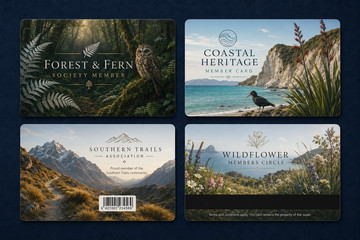 Membership CardsPlan custom membership cards with names, numbers, status and expiry details for your programme.
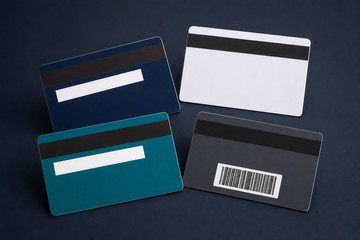 Magnetic Stripe CardsCoordinate printed details with magnetic-stripe encoding for an existing compatible swipe system.
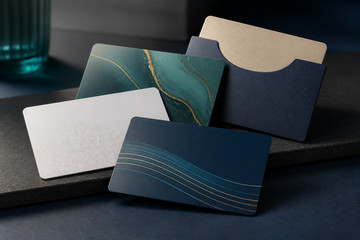 Gift CardsCreate branded physical gift cards with identifiers suited to your existing redemption process.
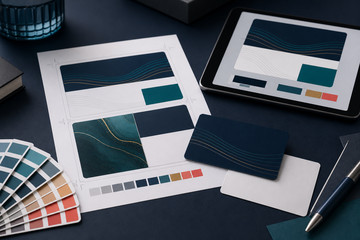 Plastic Card Artwork ServicesGet help preparing a card layout for fixed artwork and changing names, numbers, photographs or codes.
HELPFUL QUESTIONS AND ANSWERS
Names, roles, numbers, dates, status values, photographs, barcodes, QR codes and other agreed fields can change where the artwork and source file are prepared for them.
A clean spreadsheet with one row per card and one agreed column per changing field is a useful starting point. Image files should use consistent identifiers that match the correct row.
Yes. Each image should have a consistent unique filename or identifier that connects it to the correct source record, and the layout should account for the supplied image proportions.
Yes, where the required data, code type, size, contrast, quiet area, destination or scanning conditions and checking responsibility have been confirmed.
They can be coordinated when the field relationship, record order, encoding specification and verification method are agreed before production.
The customer is responsible for supplying accurate, authorised source records and approving the agreed proof. PlasticCard.nz follows the confirmed production and checking process for the card order.
Please share the card purpose, record count, field list, representative and longest values, photograph and code requirements, artwork status, record-matching needs, proofing contact, delivery destination and timing.
READY TO PLAN YOUR PERSONALISED CARD RUN?
Tell us how many cards you need and which details change from card to card. We’ll help plan the artwork, personalisation and any matching requirements before preparing a quote.